

As the coach, you are able to add / edit / publish the Action Plan, on behalf of your leaders.
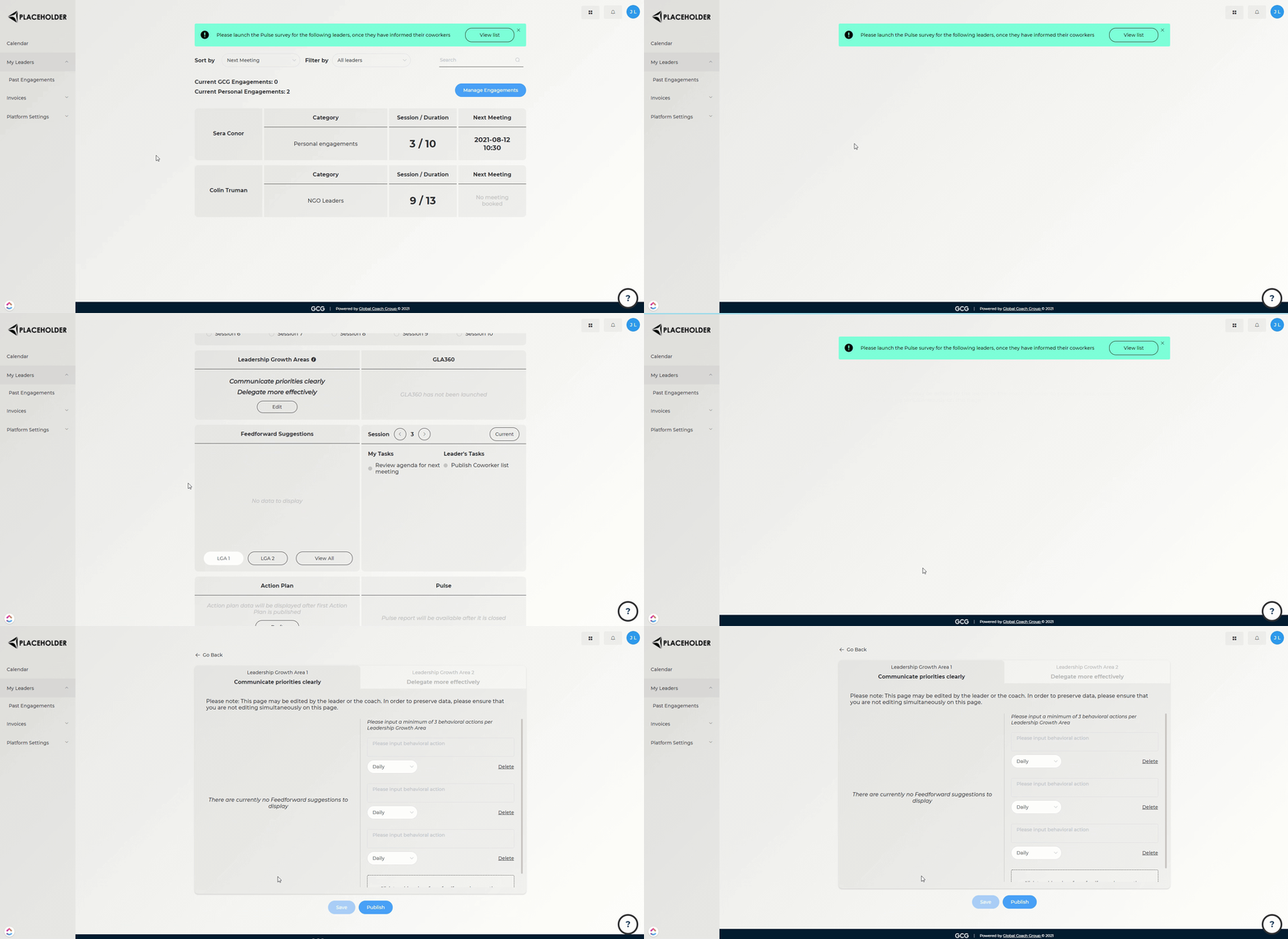
Steps:
Go to the Leader Details page of the engagement you wish to edit
Scroll down to the Action Plan section, and click "Draft" (If Action Plan data exists, you will instead click "View Details" -> "Draft next action plan")
Add / edit / publish as necessary
To see how to manage the Coworker list on behalf of your leader, click here.